Quick answer
To watch IPTV on Apple TV, you need an Apple TV HD or Apple TV 4K, because older boxes cannot install apps. Download a player such as IPTVX, iPlayTV, GSE Smart IPTV or UHF from the App Store, then sign in with your provider's details. The same players run on iPhone and iPad, and AirPlay covers quick viewing.
Key takeaways
- Apple TV HD and Apple TV 4K run App Store players; the older 3rd-generation box does not.
- Use a well-known player from the App Store; some are paid, some have a free version.
- Xtream Codes is the easiest login and loads the TV guide automatically.
- AirPlay works, but a player installed on the Apple TV itself gives a steadier picture.
Which Apple TV models can run IPTV apps?
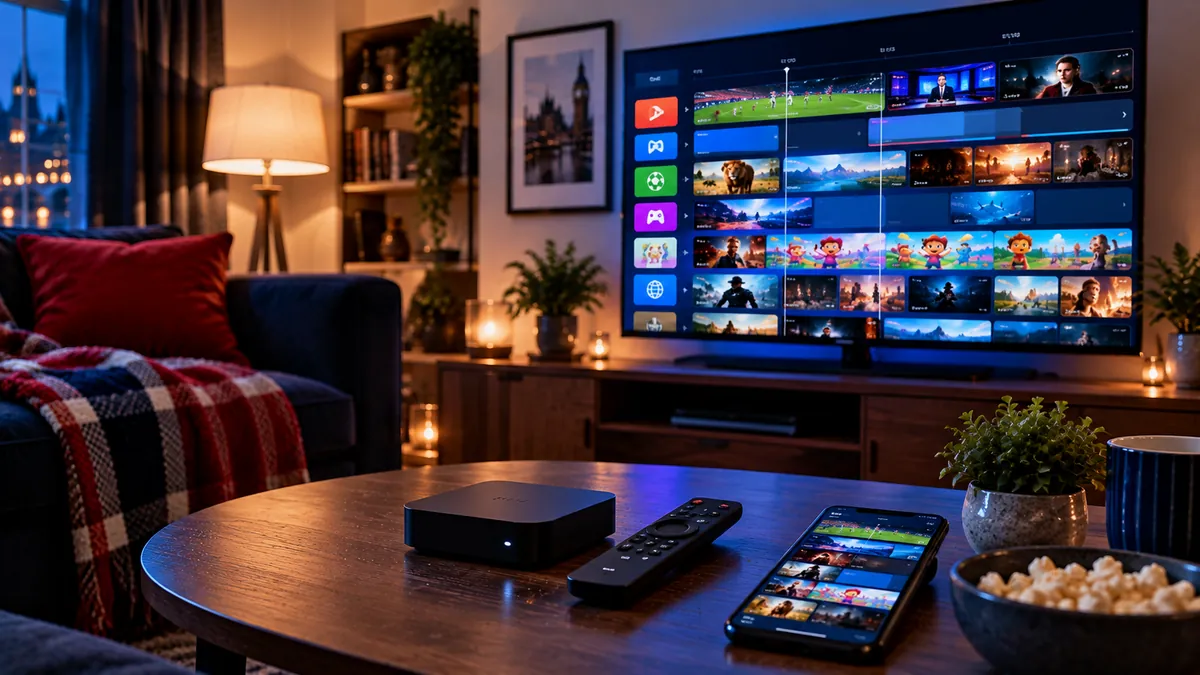
The Apple TV HD and every Apple TV 4K can, because they run tvOS and install apps from the App Store. The Apple TV 4K is especially pleasant for IPTV: menus are fast, the remote is simple, and it handles 4K and HDR channels well.
The older Apple TV (3rd generation and earlier) cannot install apps, so it cannot run an IPTV player. To check your model, go to Settings > General > About on the Apple TV. If you see a model name with "4K" or "HD", you are ready.
IPTV United Kingdom supports Apple TV, iPhone and iPad alongside other devices. If this is your first IPTV setup and the login types sound unfamiliar, our M3U and Xtream explainer clears that up in a few minutes.
What are the best IPTV players for Apple TV and iPhone?
IPTVX and iPlayTV are the best-known paid players, while GSE Smart IPTV and UHF have free versions. All four accept the usual provider logins:
| Player | Devices | Login types | Cost |
|---|---|---|---|
| IPTVX | Apple TV, iPhone, iPad, Mac | Xtream Codes, M3U | Paid (subscription or one-off) |
| iPlayTV | Apple TV | Xtream Codes, M3U | Paid one-off |
| GSE Smart IPTV | Apple TV, iPhone, iPad | Xtream Codes, M3U | Free with in-app purchases |
| UHF | Apple TV, iPhone, iPad, Mac | Xtream Codes, M3U | Free version with paid upgrade |
App Store listings, prices and names change, so treat this as a starting point. Any fee a player charges goes to the app developer through your Apple ID; it is not part of your IPTV subscription.
How do you set up IPTV on Apple TV?
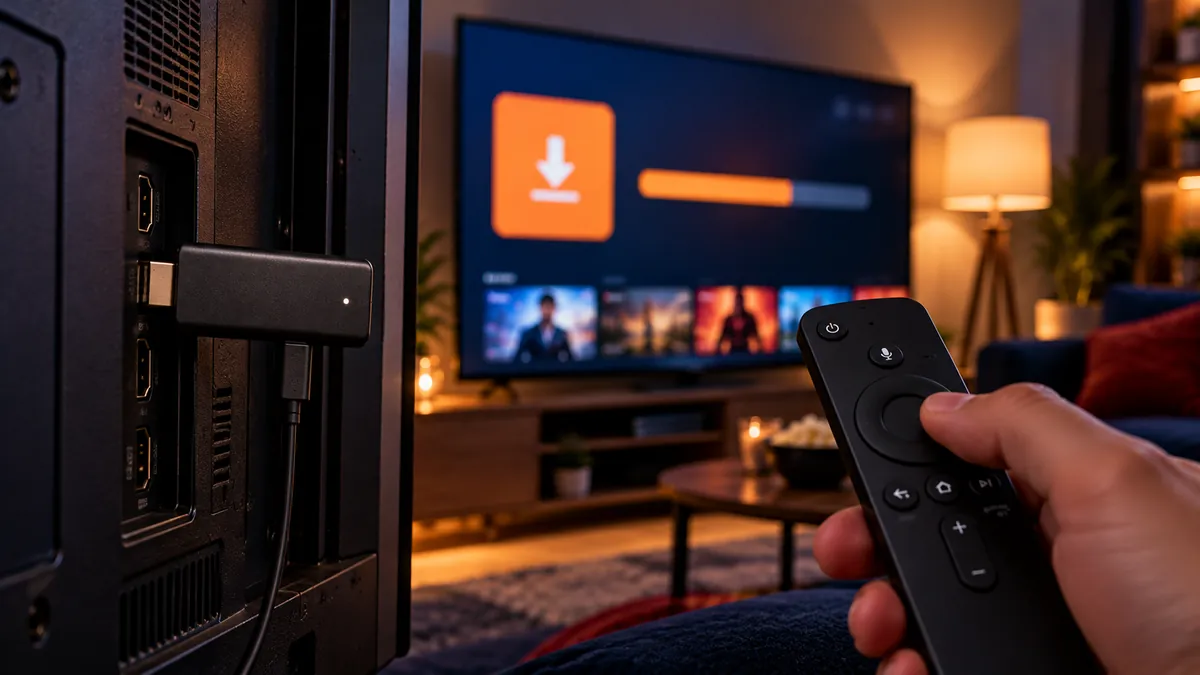
Update tvOS, get the player from the App Store, then add your login, ideally typing it on your iPhone. The whole job is done from the Siri Remote and your phone.
- Connect the Apple TV to your broadband. The Apple TV 4K with Ethernet has a port on the back; use it if you can.
- Update tvOS: Settings > System > Software Updates > Update Software.
- Open the App Store, search for your chosen player and select Get.
- Open the player and choose the Xtream Codes option (it may be called "Xtream", "Login with API" or "Add provider").
- When the keyboard appears on the TV, accept the prompt on your nearby iPhone and type the details from our message there; it saves a lot of clicking with the Siri Remote.
- Let tvOS finish loading the list, then swipe to your regular channels and mark them as favourites so they open first next time.
If a player asks for an M3U link instead, paste the full link including http://. If its guide stays blank, the player may want a separate EPG address; the TV guide troubleshooting article explains where that setting usually sits.
How does IPTV work on iPhone and iPad?
Exactly as on Apple TV: install the same player from the App Store, sign in and wait for the list. Phones are great for watching in bed, in the garden or on the train, but streaming on mobile data uses a lot of data, so stick to Wi-Fi where possible or lower the quality in the player.
Picture in Picture on iPad lets you keep a match on screen while you use other apps, if your player supports it. Players such as IPTVX and UHF also run on a Mac, so a MacBook can join in without extra software.
IPTVCA has an Apple devices setup page for tvOS and iOS, and Multivision's iPhone and iPad article goes deeper on the mobile apps.
Is an Apple TV app better than AirPlay from an iPhone?
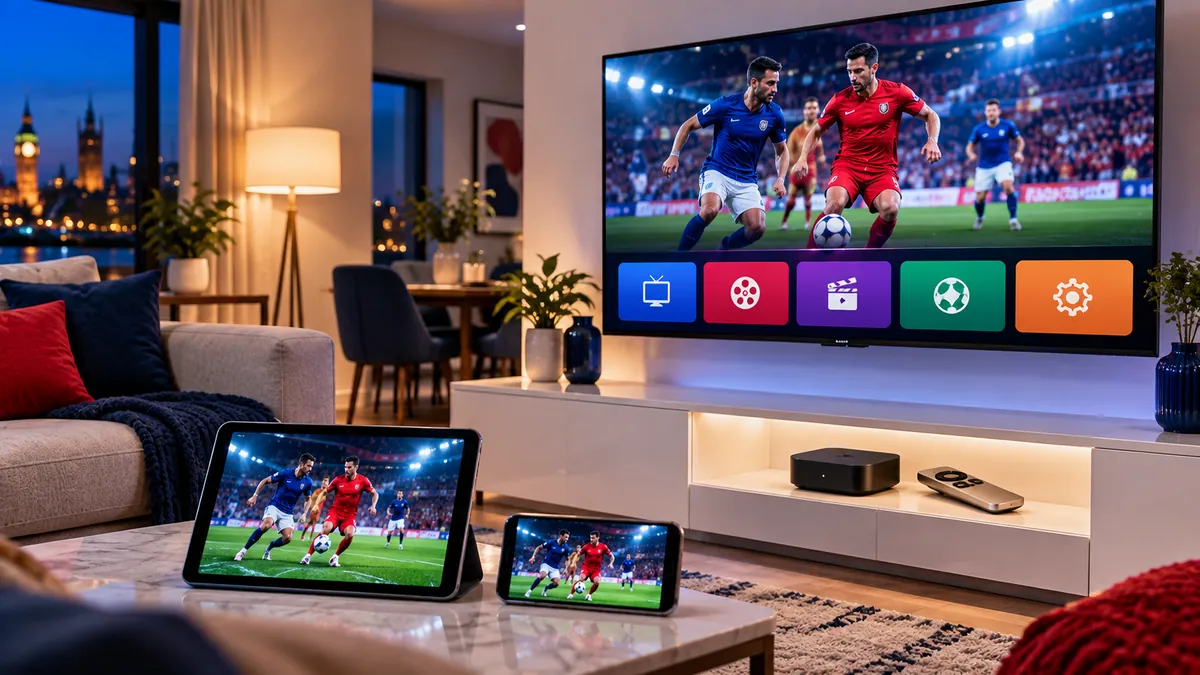
For anything longer than a quick look, yes. A player installed on the Apple TV streams straight from your router, while AirPlay sends the picture from the phone to the TV over Wi-Fi, which adds a second wireless hop.
- AirPlay is ideal for showing someone a channel in seconds, or when the TV has AirPlay built in but no player app.
- A tvOS player keeps playing when your phone rings, locks or leaves the room, and has its own TV guide on the big screen.
- Battery: AirPlay keeps the iPhone working the whole time, so a long match drains it fast.
How do you fix IPTV problems on Apple devices?
Most issues come down to the Apple ID region, a mistyped login or Wi-Fi. Check these first:
| Problem | Fix |
|---|---|
| The player is not in the App Store | Check your Apple ID country is the UK, or try one of the other players |
| Login rejected | Re-type the details; usernames and passwords are case-sensitive |
| TV guide is empty | Add or refresh the EPG in the player's settings |
| Picture freezes | Use Ethernet on the Apple TV, restart the router, lower the quality |
| No sound on some channels | Change the audio track or the player's audio output setting |
If several people in the house watch at once, read how many screens one subscription covers before blaming the Apple TV. For the Windows laptop in the same home, IPTV on Windows, Mac and VLC has the desktop steps.
Apple TV or a Firestick for IPTV?
An Apple TV costs more than a Firestick but feels faster, has no adverts in the home screen, and fits neatly into an iPhone household. A Firestick has a wider choice of player apps and costs less. If you already have an Apple TV, use it: the experience is excellent. If you are buying from scratch, the Firestick model comparison shows what the cheaper route gets you.
With an up-to-date Apple TV and an iPhone nearby, setup is a short job: the phone does the typing and the Apple TV does the streaming.
Frequently asked questions
Can I watch IPTV on Apple TV?
Yes, on an Apple TV HD or Apple TV 4K. Install an IPTV player from the App Store and add your provider's login.
Which IPTV player should I get for Apple TV?
IPTVX and iPlayTV are popular paid choices; GSE Smart IPTV and UHF have free versions. All accept Xtream Codes and M3U logins.
Does IPTV work on an old Apple TV?
No. The 3rd-generation Apple TV and earlier cannot install apps, so they cannot run an IPTV player.
Is an Apple TV app better than AirPlay from an iPhone?
Yes for long viewing. A tvOS player streams directly and keeps going if the phone locks, while AirPlay is best for a quick look.
Do IPTV players on iPhone use a lot of mobile data?
Yes, live TV uses data quickly. Watch on Wi-Fi where you can, or lower the stream quality in the player when you are out.