Quick answer
Yes, you can put IPTV on two TVs with one login, but only one of them can stream at any moment. Every IPTV United Kingdom subscription includes one connection, which means one screen at a time. To watch both TVs together you need a second connection, available on request, and about 20 Mbps of broadband for two HD streams.
Key takeaways
- A login can sit on many devices; the number of connections decides how many play together.
- One connection = one screen at a time. Two TVs playing together = two connections.
- Two streams on one connection end in errors or cut-outs that look like buffering.
- Budget broadband per screen: two HD TVs need about 20 Mbps, two 4K TVs about 50 Mbps.
Can you use IPTV on two TVs at once?
Only if you have two connections. Adding the login to two TVs is easy and allowed; playing on both in the same minute is what needs the extra connection.
It helps to separate two ideas. Installing is putting the player app and your login on a device: the Firestick in the living room, the Smart TV in the bedroom, a phone, a laptop. Streaming is pressing play, and that is what the connection counts.
Picture a connection as a single ticket that any device in the house can hold, but only one at a time. Turn off the living room TV and the bedroom TV can pick the ticket up straight away. IPTV United Kingdom plans come with one connection as standard, whichever length you buy, from the 1-month plan to the 12-month subscription at £49.
What happens if two people watch on one connection?
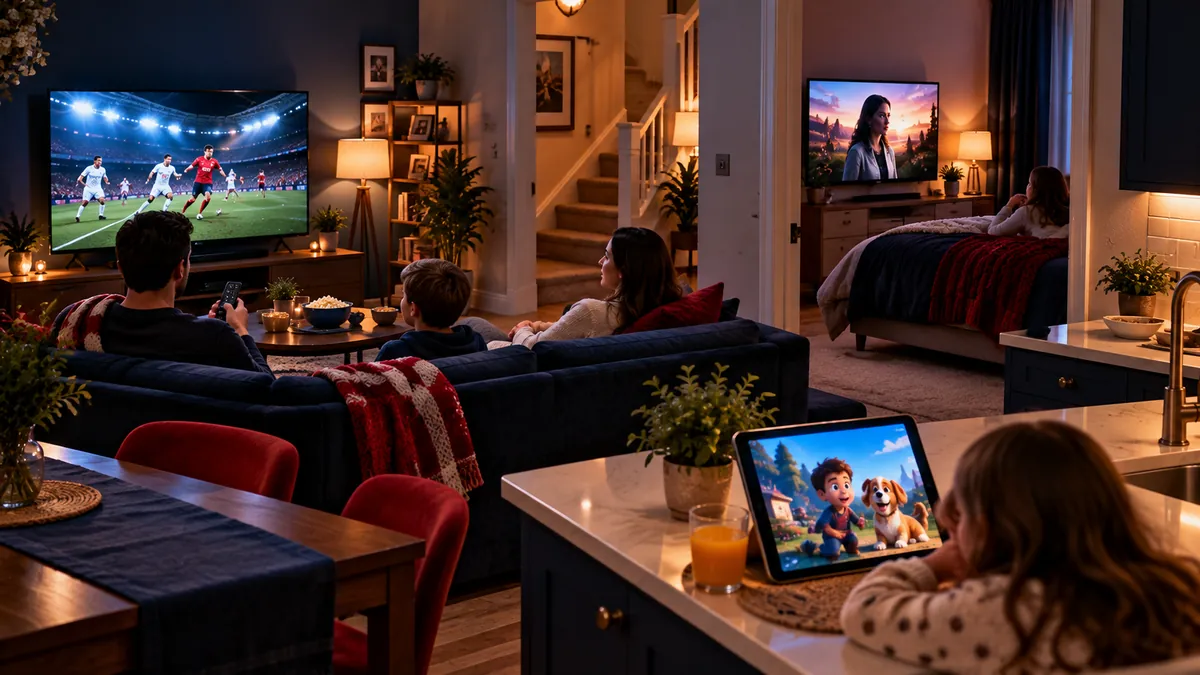
The second stream usually fails or knocks the first one off. The server sees two plays on a login that allows one, and each player reacts differently: an error message, a frozen picture, or both screens cutting in and out.
That last symptom is the confusing one. It looks exactly like a slow line, so people restart routers and change apps when the real cause is a child watching cartoons upstairs. If the problem disappears the moment one screen is switched off, it was a connection clash, not your broadband.
| What is playing | Connections you need |
|---|---|
| One TV, plus a phone used only when the TV is off | 1 |
| Living room and bedroom TVs during the same evening | 2 |
| Two TVs and a tablet all playing together | 3 |
| A live match on one TV while someone watches catch-up on another | 2 |
How do you set up IPTV on several devices?
Install a player on each device and give every one the same login. With one connection nothing else changes; with extra connections we explain which details go on which TV.
- Pick a player for each device: a Firestick app, a Smart TV app, an Android TV box, a phone or a computer.
- Type in the same login on each. For an Xtream Codes login that means the same username, password and server on every device.
- If you bought extra connections, follow the per-TV instructions we send, so two TVs never use the same slot.
- Name each device in the player ("Kitchen", "Kids' room") so you know which one is still playing.
- Build favourites on each device separately; most players keep them on the device, not on the account.
For the device side, see our Firestick Downloader walkthrough, the Samsung Smart TV setup and the Apple TV and iPhone setup. If you are unsure whether an older gadget can run a player at all, Apollo keeps a list of devices that run IPTV apps.
How much broadband do two screens need?
Add the screens together. Our figure is about 10 Mbps for each HD stream and 25 Mbps for each 4K stream, so the maths for a busy household looks like this:
| Screens playing together | Approximate speed to have spare |
|---|---|
| Two HD TVs | About 20 Mbps |
| One HD TV and one 4K TV | About 35 Mbps |
| Two 4K TVs | About 50 Mbps |
| Three HD screens | About 30 Mbps |
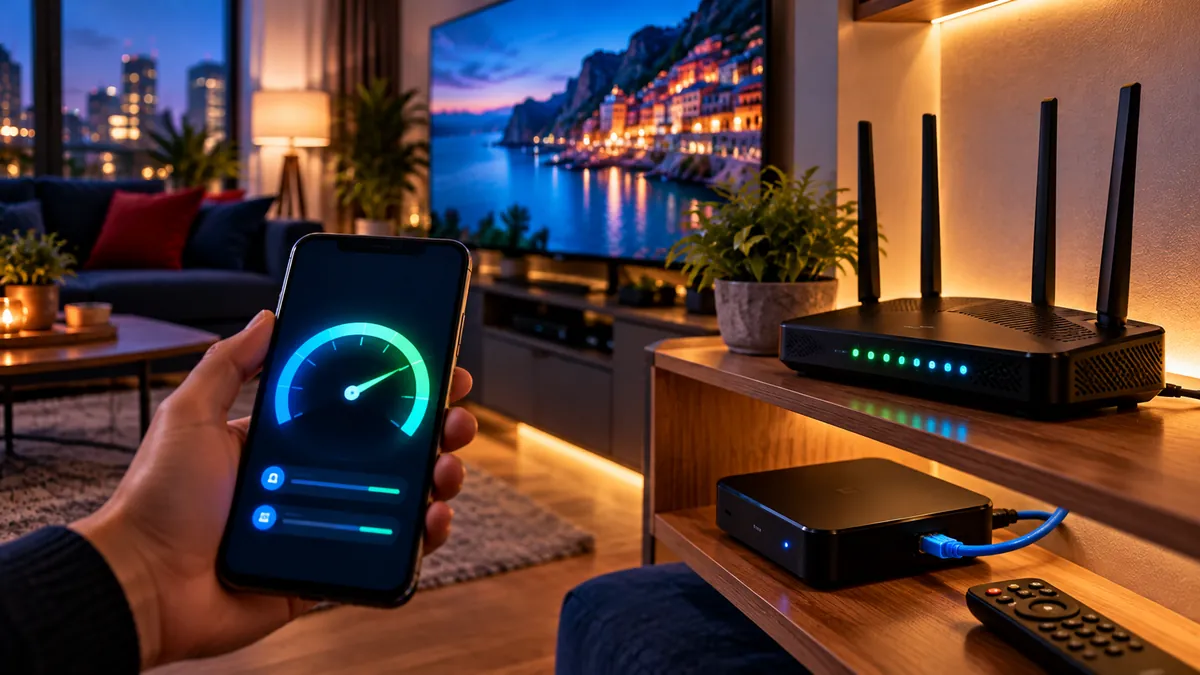
Those totals are what must be free while you watch, so leave headroom for laptops, game downloads and video calls on the same line. A total that looks fine can still fail on one TV if that TV sits on a weak Wi-Fi signal. How to measure it properly, and when a cable beats Wi-Fi, is covered in our IPTV internet speed guide.
Can you share a login with another household?
No. Our terms of use set each subscription for one household, and sharing or reselling a login can get the account suspended without a refund.
There is a practical reason too. A friend watching in their own house takes your only connection, so your TV is the one that errors. If a relative likes what they see, they can ask for their own trial and their own plan, and both homes keep working. Treat the login like a door key: our explainer on what an M3U playlist is shows how much of your account a playlist link gives away.
Which setup suits your household?
| Household | Typical setup | Connections |
|---|---|---|
| Single viewer | Firestick on the main TV, phone for the bedroom | 1 |
| Couple | Living room TV, plus a tablet when the TV is free | 1 |
| Family with children | Living room TV and a children's TV at the same time | 2 |
| House share | Each housemate watching in their own room | One each |
Most homes overestimate how many connections they need, because everyone rarely watches at the same moment. Start with one and keep a rough note of the evenings when two people want different things.
Shared houses are the exception: housemates are separate households with separate viewing, so each needs a plan of their own. Our London guide looks at flats and shared houses, where several people often sit on one broadband line.
On a children's TV, use the player's parental lock to hide categories, so one login can serve the whole family without every device showing everything.
When is a second connection worth it?
When two screens regularly play together, for example a match in the lounge while the children watch films upstairs. If that only happens once a month, one connection and a little give-and-take is usually enough.
The cleanest test is the free 24-hour trial: install it on every TV you own, then try two of them together on a normal evening and see exactly where it breaks.
Frequently asked questions
Can I install IPTV on two TVs with one subscription?
Yes. You can add the same login to both TVs, but on one connection only one of them can play at a time.
Why does my second TV show an error when the first is on?
Both TVs are trying to use the same connection. Stop playback on one, or ask for an extra connection if you need both.
Can I get extra connections?
Yes, extra connections are available on request. Message us on WhatsApp with the number of screens you want to run together.
How much speed do two 4K TVs need?
About 50 Mbps of spare broadband, because each 4K stream needs roughly 25 Mbps. Two HD TVs need about 20 Mbps.
Can I use my login at a friend's house?
No. A subscription is for one household, and sharing a login outside it can lead to the account being suspended.