Quick answer
The best IPTV app for Android TV is TiviMate if live TV and a cable-style guide matter most, or IPTV Smarters Pro if you want the easiest setup and a tidy films section. OTT Navigator and Televizo are strong free alternatives, and Kodi suits existing users. All five install from Google Play and accept a standard provider login.
Key takeaways
- TiviMate: best TV guide and live TV experience; advanced features need a paid Premium upgrade.
- IPTV Smarters Pro: easiest first setup, good for films and series.
- OTT Navigator and Televizo: capable, flexible players with free versions.
- Install from Google Play on Google TV, Android TV boxes and TVs from Sony, TCL, Hisense, Philips and others.
Why is Android TV a good platform for IPTV?
Because Google Play has the widest choice of IPTV players of any TV system, and the best of them are excellent. Android TV and Google TV run on a huge range of devices in UK homes: TVs from Sony, TCL, Hisense, Philips and others, the Google TV Streamer, Nvidia Shield and many Android TV boxes.
Your subscription does not depend on the app. An IPTV United Kingdom login opens in any of the players below, so you can try two or three and keep the one you like. If the words Xtream Codes and M3U are new to you, the M3U playlist explainer shows what each login type contains.
What is the best IPTV app for Android TV?
TiviMate leads for live TV, IPTV Smarters Pro for a gentle first setup, and OTT Navigator or Televizo if you want a capable free player. The table sums up the differences:
| App | Best for | Login types | Cost |
|---|---|---|---|
| TiviMate | Live TV and the TV guide | Xtream Codes, M3U | Free basic version; Premium is paid |
| IPTV Smarters Pro | Easy setup, films and series | Xtream Codes, M3U | Free |
| OTT Navigator | Power users who like options | Xtream Codes, M3U | Free with optional upgrade |
| Televizo | Clean, simple live TV | Xtream Codes, M3U | Free with optional upgrade |
| Kodi (PVR IPTV Simple Client) | Existing Kodi users | M3U | Free |
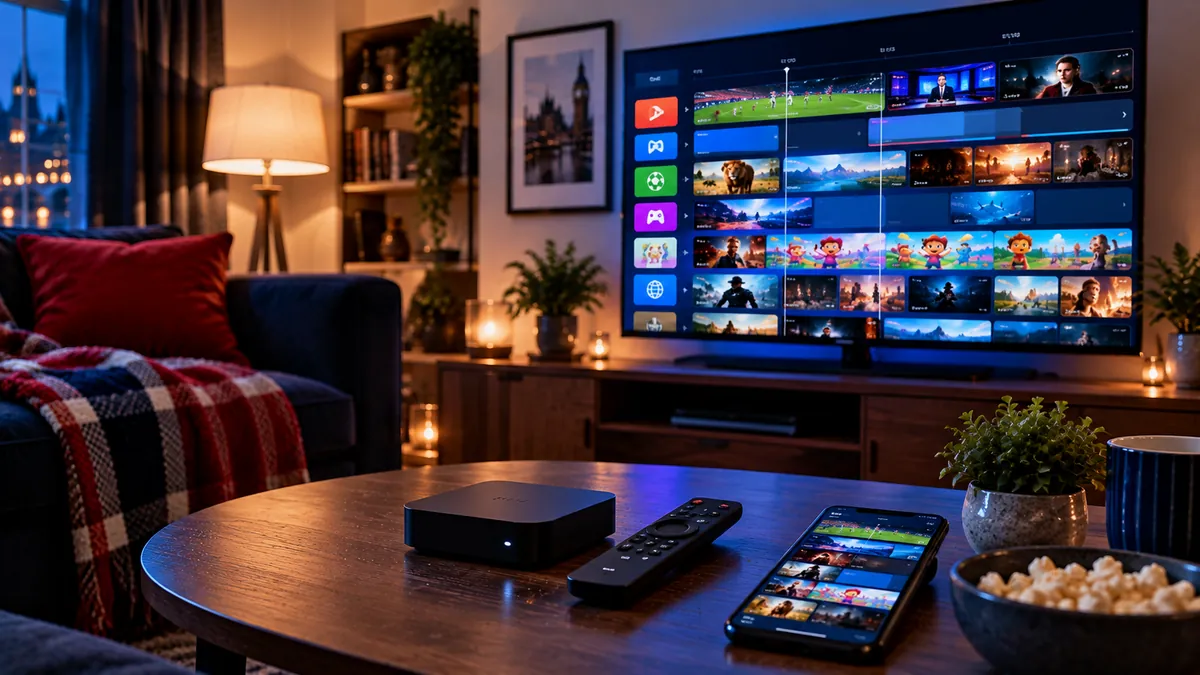
TiviMate is the app most experienced IPTV users end up with. Its guide looks and feels like a cable box: scroll through hours of programmes, set reminders, and use catch-up where channels support it. Features such as multiple playlists, recording and favourites management are part of the paid Premium upgrade.
IPTV Smarters Pro is the one we suggest to first-timers. Choose "Login with Xtream Codes API", enter your details and you get live TV, films and series in clear sections. Our Smarters Pro walkthrough covers every screen.
OTT Navigator and Televizo sit in between: more flexible than Smarters, with free versions that cover most needs. Kodi works too, through its official PVR IPTV Simple Client add-on, but it takes longer to set up and is best if you already use Kodi.
How do you install an IPTV app on Google TV?
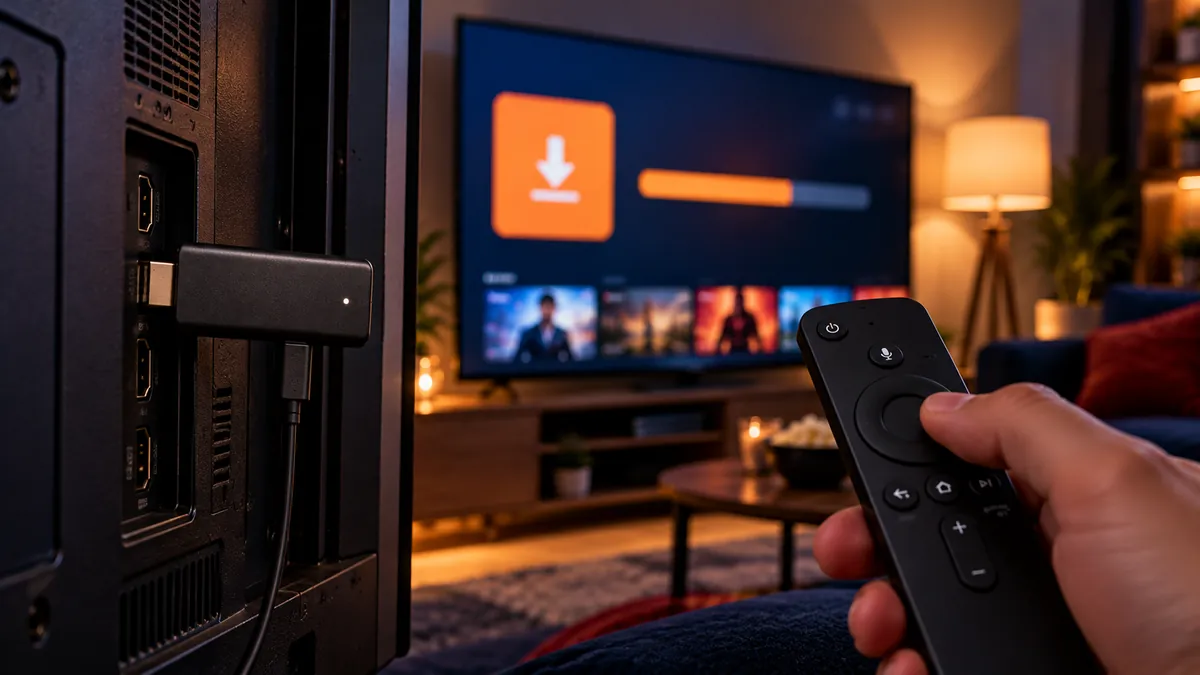
Search for the player in Google Play from the Apps tab, install it, and sign in with your provider details. On older Android TV models the Play Store sits in the apps row instead.
- Open Google Play (on Google TV, use the Apps tab or search).
- Search for the player, for example TiviMate or IPTV Smarters Pro, and choose Install.
- Launch the app and pick Xtream Codes, or the playlist option if your details came as a link.
- Type in the details from our message using the on-screen keyboard, or the Google TV app on your phone, which is much quicker for long server addresses.
- Give the first load a minute or two, then hold OK on the channels you watch most to pin them as favourites.
IPTVCA's Android TV setup page runs through the same Play Store route, and Golden Gate's Smarters Pro setup notes focus on that one app. Still choosing hardware? Multivision's Android box round-up looks at popular models.
Prefer apps from Google Play. They update automatically and are far less likely to stop working than modified apps from unknown websites.
How do you make IPTV apps run faster on Android TV?
Use a cable where you can and keep the app's guide data light. Most slowness on Android TV comes from Wi-Fi or a bloated cache rather than the player itself.
- Use Ethernet where you can. Many Android TV boxes and TVs have a port; Wi-Fi is the most common cause of buffering.
- Mind the hardware. If menus lag on a cheap box, the IPTV box buying guide explains how much memory to look for.
- Set the guide to update daily, not every hour, to keep the app quick.
- Match quality to the screen. 4K streams only make sense on a 4K device and TV; IPTV subscription in 4K covers what else they need.
- Clear the app cache in Settings > Apps if the guide becomes slow.
If one player keeps freezing while another runs fine on the same channel, the fault is the app's settings, not your line. Try switching the player's video decoder between hardware and software in its playback options.
How does Android TV compare with Firestick and Smart TV apps?
| Platform | Player choice | Setup |
|---|---|---|
| Android TV / Google TV | Widest (Google Play) | Easiest: install from Play |
| Fire OS Firestick | Wide (Appstore plus Downloader) | Easy, one extra setting |
| Samsung (Tizen) / LG (webOS) | Limited, varies by model | Easy if the app exists |
If your TV's own apps are limited, an Android TV device gives you the full choice of players. Compare with our guides for Firestick, Samsung and LG TVs.
Which Android TV IPTV app should you choose?
Start with IPTV Smarters Pro if you want the quickest setup, or TiviMate if live TV and the guide matter most. Because the same login works in each, installing both side by side costs nothing and settles the question in an evening of channel-hopping.
Kodi fans can keep Kodi; everyone else will find TiviMate's guide or Smarters' films menu easier to live with day to day.
Frequently asked questions
What is the best IPTV app for Android TV?
TiviMate for live TV and the guide, IPTV Smarters Pro for the easiest setup. OTT Navigator and Televizo are good free alternatives.
Is TiviMate free?
TiviMate has a free basic version. Advanced features, such as multiple playlists and recording, need the paid Premium upgrade.
Which Android TV app is best for films and series?
IPTV Smarters Pro, because it splits films and series into their own browsable sections. TiviMate is built mainly around live TV.
Can I use the same login in several apps?
Yes, you can add it to as many apps as you like; how many can play at once is a separate question.
Does Google TV support IPTV apps?
Yes. Google TV devices install the same players from Google Play, including TiviMate and IPTV Smarters Pro.