Quick answer
The best Firestick for IPTV in 2026 is the Fire TV Stick 4K Max or the Fire TV Cube: both run Fire OS, so they accept IPTV player apps, and their extra memory keeps big TV guides quick. Avoid the Fire TV Stick 4K Select, which runs Vega OS and only installs Amazon Appstore apps.
Key takeaways
- Check Settings > My Fire TV > About: a software version starting with 1. means Vega OS, which blocks apps from outside the Amazon Appstore.
- The 4K Max and the Cube are the strongest picks; the Cube adds a built-in Ethernet port.
- Since late 2025 Amazon blocks apps flagged as piracy apps on all Fire TV devices, so only use mainstream player apps.
- For 4K you need a 4K stick, a 4K TV and roughly 25 Mbps of spare broadband.
What is the best Firestick for IPTV in 2026?
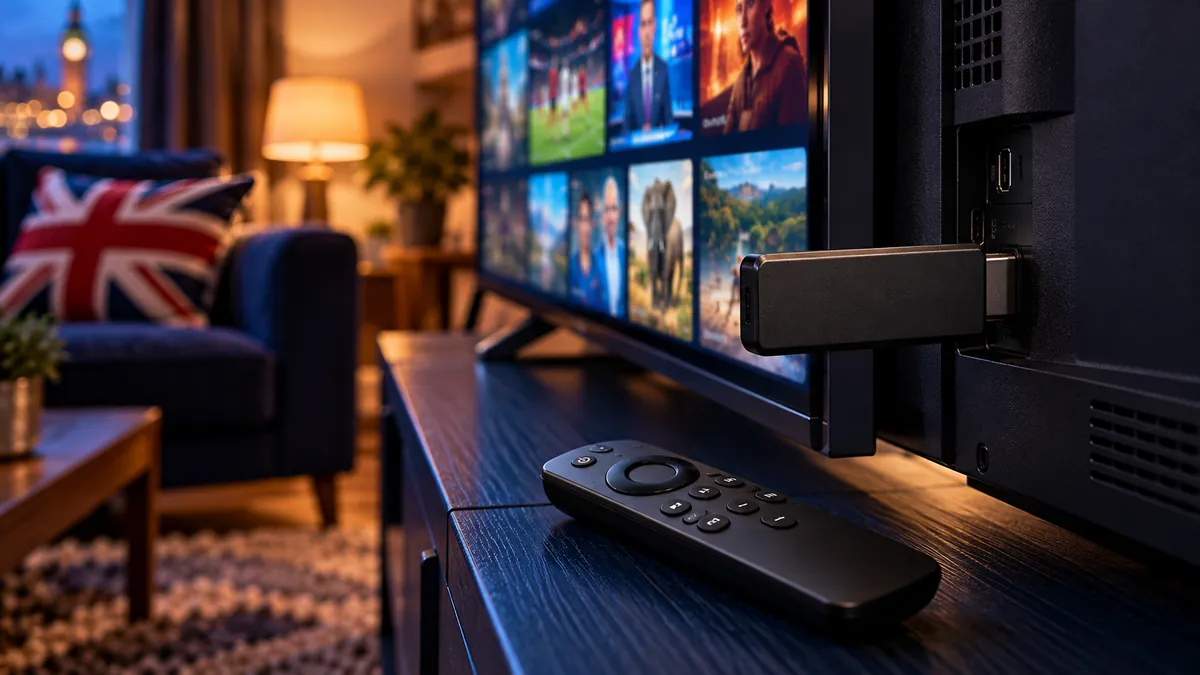
Buy the Fire TV Stick 4K Max for most TVs, or the Fire TV Cube if you want a wired connection. Amazon's Fire TV range is the most popular IPTV hardware in the UK because it is cheap, small and plugs straight into any TV with HDMI. In 2026, though, the models no longer behave the same way, and the name on the box does not tell you which system is inside.
| Model | Software | Installs player apps? | Best for |
|---|---|---|---|
| Fire TV Stick HD | Fire OS (newer units may be Vega: check) | Yes on Fire OS | HD TVs and second rooms |
| Fire TV Stick 4K (1st and 2nd gen) | Fire OS | Yes | Most 4K TVs |
| Fire TV Stick 4K Max (1st and 2nd gen) | Fire OS | Yes | Best performance, Wi-Fi 6/6E |
| Fire TV Cube | Fire OS | Yes | Ethernet built in, fastest menus |
| Fire TV Stick 4K Select (2025) | Vega OS | Amazon Appstore only | Not ideal for IPTV players |
More memory is what you feel day to day: a 30,000-channel guide scrolls without stutter and channel changes land faster. The HD stick is fine for a bedroom TV that never shows 4K, as long as it turns out to be a Fire OS unit.
How can you tell if a Firestick runs Vega OS?
Open the About screen and read the software version: if it begins with 1., the stick runs Vega OS. Amazon has started moving new sticks to this system, and Vega devices only install apps from the Amazon Appstore.
Do not rely on the box name alone. Amazon has used familiar names on Vega models, so the software version is the only reliable check.
If you are buying second-hand or from a marketplace, ask the seller for a photo of Settings > My Fire TV > About before you pay. On a Vega stick, you can only use an IPTV player if one is listed in the UK Amazon Appstore, so message us with the exact model and we will tell you what is possible before you spend anything on a plan.
Should you buy a new stick or keep the one you have?
Keep your current stick if it runs Fire OS and the menus feel quick; replace it if it is a first-generation HD model or it struggles with a long channel list.
- Keep it if it is a Fire TV Stick 4K or 4K Max on Fire OS. These still handle IPTV players well.
- Upgrade if the guide takes ages to load, the stick runs hot, or storage fills up after one player install.
- Choose the Cube if your router is near the TV. A cable beats Wi-Fi for live sport, and the Cube needs no adapter.
- Skip the 4K Select for IPTV unless a player you want is already listed for it in the Appstore.
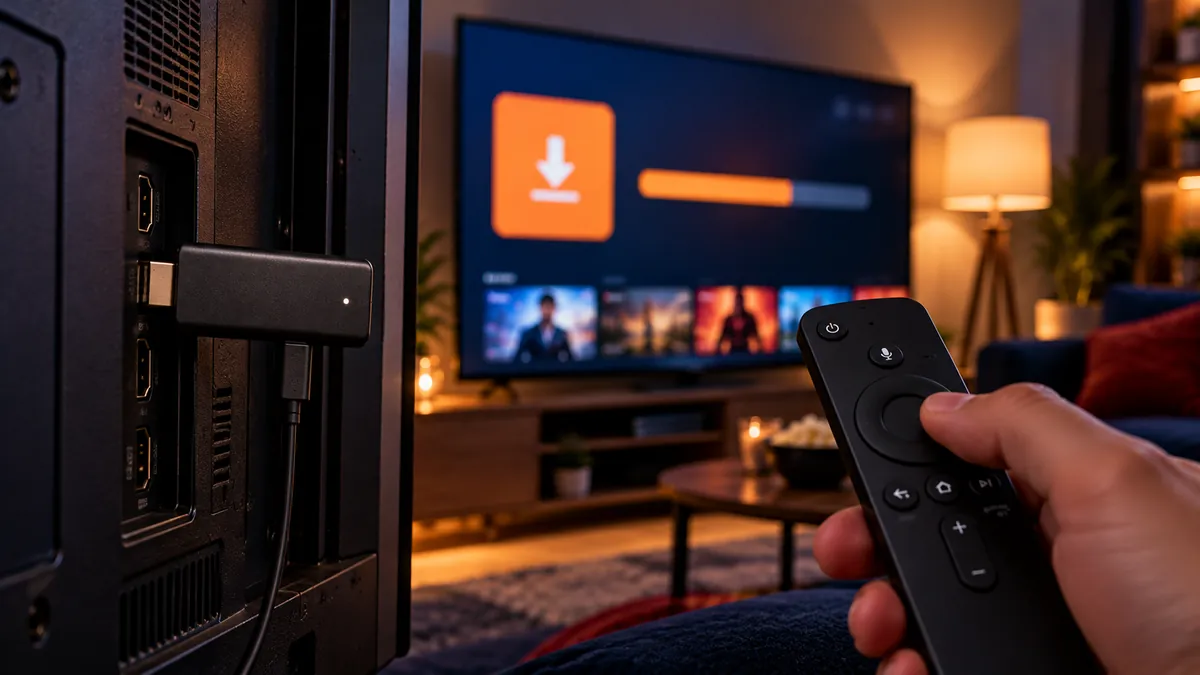
Once you have a Fire OS stick, installing the player takes a handful of remote presses. Our step-by-step Firestick Downloader guide covers developer options, the install and the sign-in. If you are weighing a stick against an Android box or a MAG, our IPTV box comparison sets them side by side.
Will Amazon block IPTV apps on my Firestick?
Amazon blocks specific apps it flags for pirated content, not player apps in general. In late 2025 Amazon confirmed it would block apps that the Alliance for Creativity and Entertainment (ACE) identifies as providing access to pirated content, including apps installed from outside the Appstore. The block applies to Fire OS devices old and new.
What this means in practice:
- Sideloading itself still works on Fire OS sticks. Amazon blocks specific flagged apps, not the Downloader method.
- Mainstream player apps are a safer choice than all-in-one apps that come with their own hidden content.
- Pre-loaded or modified sticks are a bad buy. They are the first thing to stop working after a firmware update.
- Keep the stick updated. Updates fix bugs and keep apps working smoothly.
An IPTV player app is simply a video player that opens the login your provider gives you. Picking a well-known player keeps the setup stable through Amazon's updates. Multivision keeps a list of player apps for Fire TV if you want to see the usual names before you choose.
How do you get a smooth IPTV picture on a Firestick?
Give the stick a strong signal and some free memory; most picture problems on Fire TV come from one of the two.
- Use Ethernet if you can. The Fire TV Cube has a port built in; for sticks, Amazon sells an Ethernet adapter.
- Read the signal strength in Settings > Network. If it shows weak, move the router or add a mesh point near the TV.
- Clear the player's cache in Settings > Applications > Manage installed applications if the guide gets slow.
- Restart the stick weekly. Hold Select and Play for five seconds.
- Confirm your line has room to spare. How much broadband IPTV needs gives the figures for HD and 4K.
If the picture only fails during the biggest matches, the cause may sit outside your home: blocking versus buffering shows how to tell the two apart.
Is a Firestick better for IPTV than a Smart TV's own apps?
Usually yes, because Fire OS has a far wider choice of player apps than Tizen or webOS. That is why many people plug a stick into a Smart TV even when the TV has its own app store. If you would rather use the TV alone, see our walkthroughs for Samsung TVs on Tizen and LG TVs on webOS.
IPTV United Kingdom supports Firesticks alongside Smart TVs, phones and computers, and the full device list with setup notes covers each one. If the stick shares a login with other screens at home, read how many devices can stream at once before a big match. Apollo also has a Firestick install walkthrough written for its own service.
Frequently asked questions
Which Firestick is best for IPTV in 2026?
The Fire TV Stick 4K Max or the Fire TV Cube, because they run Fire OS, have more memory and handle 4K well. Avoid Vega OS models if you want a free choice of player apps.
Is the Fire TV Stick 4K Select good for IPTV?
Not usually. It runs Vega OS, so it can only use an IPTV player that is listed in the UK Amazon Appstore.
Will Amazon block my IPTV player?
Amazon blocks apps flagged as piracy apps. Mainstream player apps that just open your own login are a much safer choice than all-in-one apps with built-in content.
Why does IPTV buffer on my Firestick?
Often the stick is short of memory or Wi-Fi signal. Clear the player's cache, check signal strength in Settings > Network, and restart the stick; older HD sticks may simply need replacing.
Do I need a VPN on my Firestick?
A VPN is optional, not part of the setup, and a distant server can slow the picture. When a VPN helps IPTV explains the trade-offs.