Quick answer
A missing or wrong IPTV EPG (the on-screen TV guide) is usually fixed in the player in a few minutes: refresh the guide, check its source, correct the time offset if programmes are an hour out, and re-match any blank channel. Every IPTV United Kingdom plan includes a full EPG, so a guide that never appears is worth reporting.
Key takeaways
- Blank guide: give it a few minutes after login, then refresh it in the player's EPG settings.
- Every programme an hour out: the device time zone or the EPG offset is wrong, often after a clock change.
- One channel blank while the rest work: it has no guide data or has lost its match.
- A daily guide update is enough and keeps slower devices responsive.
What is the IPTV EPG and where does it come from?
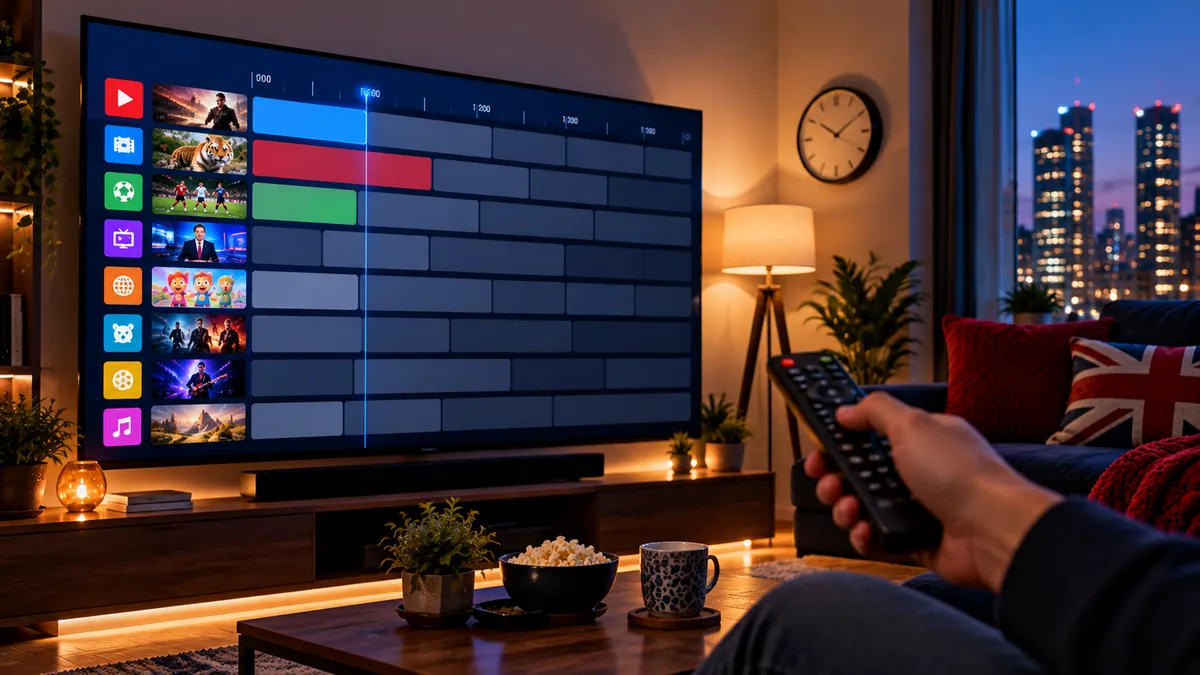
It is the programme grid that shows what is on now and next, delivered as a separate data file from the channels. Because the two load separately, the channels can play perfectly while the guide stays empty.
That file is usually in a format called XMLTV, and your player downloads it and pairs each entry with a channel. With an Xtream Codes login, most players find the guide on their own. With an M3U link, some players need the guide address entered separately; our explainer on M3U playlists and Xtream logins shows how the two login types differ.
Why is my IPTV EPG not working?
Usually because it has not finished loading, needs a refresh, or has no source set in the player. Work through these steps in order and check the guide after each one.
- Give it a few minutes after logging in. The guide is a large file and arrives after the channel list.
- Refresh the guide. In IPTV Smarters choose Install EPG or Settings > EPG > Refresh; in TiviMate go to Settings > EPG > Update EPG.
- Check the EPG source. With an M3U link, make sure the player's EPG settings contain a guide address; with Xtream Codes, it should fill in automatically.
- Restart the app and the device. A full restart clears a stuck download.
- Clear the app cache (not the data) if the guide used to work and stopped.
- Check your login is active. An expired trial or subscription can leave channels cached but the guide empty.
Smarters has its own menus for this, and our IPTV Smarters Pro walkthrough shows where each one sits.
Why does the guide show the wrong times?
Because the time offset or the device's time zone is wrong. The guide itself is working; it is just shifted, usually by exactly one hour.
This is most common straight after a clock change. The clocks went back on 25 October 2026, and any device or player still on summer time now shows every programme an hour out.
- Set the device's own time zone to London / GMT and switch on automatic time.
- In the player, find EPG time shift or time offset and set it to 0, or move it by one hour if the device clock cannot be changed.
- Refresh the guide so the new setting is applied.
If only a handful of channels are out while the rest are right, those channels are probably using guide data from another country's time zone. Send us their names so we can check them.
Why does one channel have no guide?
Either it has no guide data at all, or it has lost its link to its guide entry. The first is normal; the second can be fixed.
Some international, event and 24/7 channels never carry programme information. If a channel that normally has a guide suddenly shows nothing, it has probably lost its match. In TiviMate you can long-press the channel and choose EPG source or Change EPG to link it to the right entry; in other players, a full guide refresh usually re-matches it.
The guide matters beyond browsing: catch-up uses it to list past programmes, so a channel with no guide has nothing to rewind to. Our guide to IPTV catch-up TV explains that link.
How do you keep the TV guide fast?
Load less guide data, less often. A full guide covers thousands of channels, and slower devices feel it.
- Update the guide daily, not every hour. Frequent updates slow cheaper devices.
- Hide categories you never watch. Less data to load means a faster guide.
- Keep fewer days of guide data if your player allows it.
- Check your device's memory. If the guide is slow even after trimming it, the device may be the limit; our IPTV box comparison covers how much memory to look for.
For Android TV players, our list of IPTV apps for Android TV compares how they handle large guides, and Multivision's Android TV setup article walks through the same player settings from its side.
Which IPTV EPG settings are worth knowing?
Four settings explain almost every guide problem. Names differ between players, but most have all of them.
| Setting | What it does | Suggested value |
|---|---|---|
| EPG source / URL | Where the guide data comes from | Automatic with Xtream Codes; filled in by hand for some M3U players |
| Update interval | How often the guide refreshes | Once a day |
| Time shift / offset | Moves all programme times | 0 (device set to London time) |
| Days to keep | How much past and future data is stored | Enough for catch-up; fewer on slow devices |
Change one setting at a time and refresh after each, so you know which change fixed it.
How do you check the guide before you pay?
Open the guide on the device you will actually use, during the free 24-hour trial, and scroll through the channels you watch most. Check that the times match a clock and that catch-up channels list their past programmes.
If any of those fail, tell us during the trial rather than after it, with the player name and the channels affected.
Frequently asked questions
Why is my IPTV EPG empty?
The guide has not loaded yet, needs refreshing, or has no source set in the player. Wait a few minutes after login, then refresh it in the EPG settings.
Why is my IPTV guide one hour out?
The device time zone or the player's EPG offset is wrong, which often happens after the clocks change. Set the device to London time and the offset to 0.
Where do I add the EPG source in my player?
Look in the player's settings for EPG or TV guide source. With Xtream Codes it is usually filled in automatically; refresh the guide after any change.
Does catch-up need the TV guide?
Yes, in most players. Catch-up lists past programmes from the guide, so a channel without guide data usually has nothing to go back to.
How often should the IPTV EPG update?
Once a day is enough and keeps the app fast.