Quick answer
The quickest way to watch IPTV on Windows or a Mac is VLC: choose Media > Open Network Stream, paste your M3U link and the channel list appears. For a full TV guide, favourites and catch-up, switch to a dedicated player such as IPTV Smarters for desktop or MyIPTV Player on Windows, or IPTVX on a Mac.
Key takeaways
- VLC is free and plays an M3U playlist in under a minute, but it has no real TV guide.
- For a TV guide and catch-up, use a dedicated IPTV player for Windows or Mac.
- A wired connection or 5 GHz Wi-Fi makes the biggest difference to picture stability.
- To watch on the big screen, connect the laptop to the TV with an HDMI cable.
Why watch IPTV on Windows or a Mac?
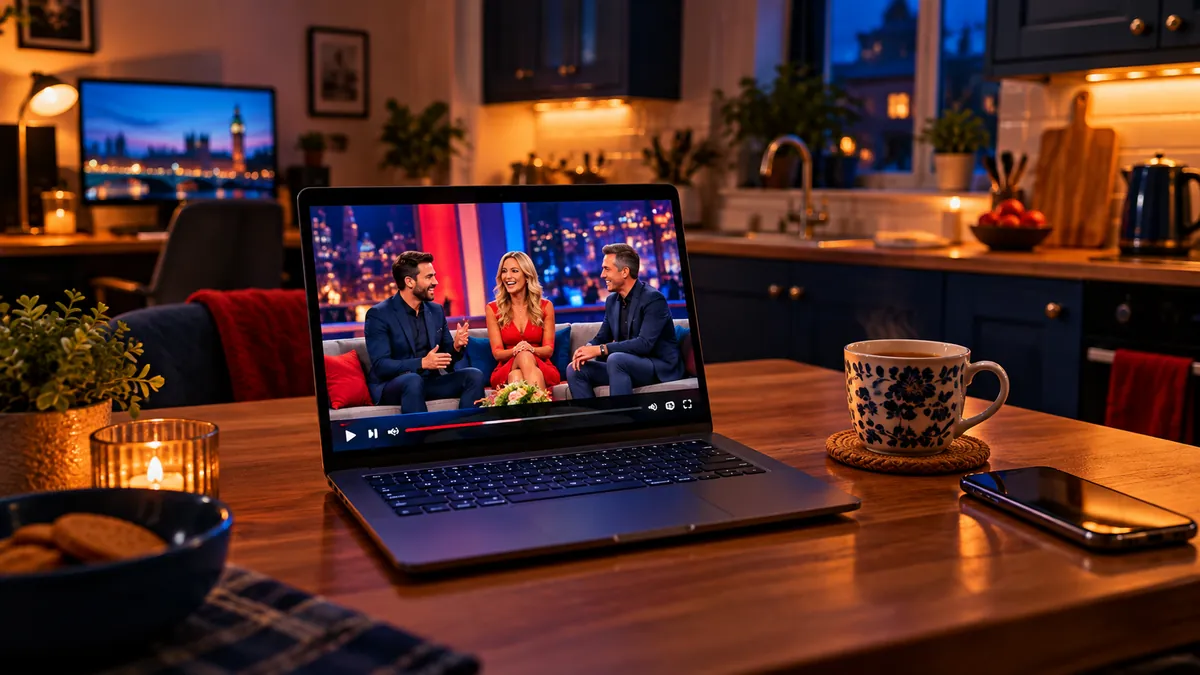
Because a computer is the easiest place to test a service and the handiest second screen in the house: a laptop in the kitchen, a desktop in the study. It is also the simplest device for typing long logins and playlist links, because you have a real keyboard and copy-and-paste.
An IPTV United Kingdom subscription is not tied to one device, so the login you add on a Firestick or Smart TV can go on your computer too. If you are not sure what an M3U link is, our M3U playlist explainer covers the formats before you start.
What are the best ways to watch IPTV on Windows?
VLC for a quick test, then IPTV Smarters, MyIPTV Player or Kodi for everyday viewing with a programme guide:
| Player | Login types | TV guide | Best for |
|---|---|---|---|
| VLC media player | M3U | No | A quick test or the odd channel |
| IPTV Smarters (desktop) | Xtream Codes, M3U | Yes | The same layout as on your TV |
| MyIPTV Player (Microsoft Store) | M3U with an EPG link | Yes | A free Windows-only app |
| Kodi with PVR IPTV Simple Client | M3U | Yes | People who already use Kodi |
Download players only from the developer's own website or the Microsoft Store. Avoid "cracked" or bundled versions from file-sharing sites: they are a common way to get malware onto a computer, and they often stop working after an update.
How do you open an M3U playlist in VLC?
Paste the link into VLC's network stream box and press Play; the channels then show in the playlist view. VLC is free from the official VideoLAN website and already installed on many computers.
- Install VLC from the official VideoLAN website if you do not have it.
- Copy your M3U link (it usually starts with http:// and contains your username).
- On Windows, open VLC and choose Media > Open Network Stream (or press Ctrl+N). On a Mac, choose File > Open Network.
- Paste the link into the box and select Play (Windows) or Open (Mac).
- Open the playlist view: View > Playlist on Windows, or Window > Playlist on a Mac.
- Type a channel name into the playlist's search box, or scroll, and double-click to start it.
A large playlist can take a minute to load in VLC. If it seems frozen, wait before clicking again. VLC shows the channel list but not a full TV guide, so use a dedicated player for daily viewing.
Which IPTV players work on a Mac?
VLC, the IPTV Smarters desktop app and IPTVX are the three strongest choices. VLC works exactly as above. IPTV Smarters has a desktop version with the same sections as its TV app. IPTVX from the Mac App Store is a polished paid player, and the same app is available for Apple's other devices, so a household that already uses it on tvOS can keep one layout everywhere.
Using Apple kit around the house? IPTV on Apple TV, iPhone and iPad covers the tvOS and iOS side. For a non-UK take on computer setups, IPTVCA keeps a hub of setup guides and Golden Gate has an install page organised by device.
Why does IPTV freeze on a laptop, and how do you stop it?
Use a cable or 5 GHz Wi-Fi and stop other downloads while you watch. Computers share the connection with far more background tasks than a TV stick does.
- Plug in an Ethernet cable if your computer has a port. It is the single most effective fix for freezing.
- Use 5 GHz Wi-Fi rather than 2.4 GHz if you cannot use a cable, and sit closer to the router.
- Pause cloud backups and game downloads. OneDrive, iCloud and Steam updates quietly eat bandwidth during a match.
- Pick Full HD on a laptop screen. 4K rarely looks different at that size; the broadband speed guide shows how much each quality needs.
- Switch the VPN off as a test if channels buffer. A far-away server adds delay, and our VPN article explains when one is worth keeping.
To watch on a bigger screen, connect your laptop to the TV with an HDMI cable. For everyday TV viewing, though, a dedicated device is simpler; the Firestick buying guide and the IPTV Smarters Pro walkthrough cover that route.
Which computer IPTV option should you choose?
Use VLC to test your service in a minute, then move to a dedicated player if you plan to watch on the computer regularly. Windows users who want something free will be happy with MyIPTV Player or the Smarters desktop app; Mac users who live in the Apple world will like IPTVX.
Keep VLC installed even after you switch: when a channel misbehaves in your main player, opening the same link in VLC tells you within seconds whether the stream or the app is at fault.
Frequently asked questions
Can I watch IPTV on Windows for free?
The players are free: VLC, MyIPTV Player and the Smarters desktop app cost nothing to install. You still need an IPTV subscription for the channels.
How do I open an M3U link in VLC?
Choose Media > Open Network Stream on Windows (File > Open Network on a Mac), paste the link and press Play. Then open the playlist view to see the channels.
Does VLC show a TV guide?
Not a full one. VLC lists the channels but has no programme grid. Use a dedicated IPTV player for the TV guide and catch-up.
What is the best IPTV player for Mac?
VLC for a quick test, IPTV Smarters for the same layout as your TV, or IPTVX for a polished paid app from the Mac App Store.
Does VLC work with an Xtream Codes login?
Not directly, because VLC has no sign-in screen and only opens playlist links. Ask your provider for the M3U version of your login, or use a player such as IPTV Smarters.