Quick answer
IPTV United Kingdom recommends an IPTV internet speed of roughly 10 Mbps for HD and 25 Mbps for 4K on each screen that is playing. Add the screens together, measure on the TV device at the hour you normally watch, and remember that a steady wired link to the TV matters more than the headline speed of your package.
Key takeaways
- Per playing screen: roughly 10 Mbps in HD, roughly 25 Mbps in 4K.
- Two HD screens together come to about 20 Mbps; two 4K screens to about 50 Mbps.
- The number that counts is the slowest of several tests run on the TV device in the evening.
- Most UK buffering comes from the Wi-Fi hop to the TV, not from the broadband package.
How much IPTV internet speed do you need?
Around 10 Mbps for an HD stream and around 25 Mbps for a 4K stream, counted per screen and measured where the TV is. Those are the two figures we work with for every IPTV United Kingdom plan.
| Picture quality | Speed to have free per screen | Where it makes sense |
|---|---|---|
| HD | About 10 Mbps | Most everyday viewing, bedrooms, kitchens, phones and tablets |
| 4K | About 25 Mbps | A large 4K TV paired with a 4K-capable device |
Treat both numbers as a floor with a little room above it. A stream is not perfectly even: a fast football match pushes more data than a news studio, so a line that only just reaches the figure can stutter during the busiest scenes. Speed is also only one part of 4K; the device, the TV and the channel all have to support it, as our 4K IPTV subscription guide explains.
How much speed does a whole household need?
Add every screen that plays at the same moment, then leave headroom for everything else on the line. Broadband is shared, so a game download or a video call takes its slice while the TV is on.
| What plays together | Approximate total for the TVs |
|---|---|
| One HD TV | About 10 Mbps |
| One 4K TV | About 25 Mbps |
| Two HD TVs | About 20 Mbps |
| A 4K TV and an HD bedroom TV | About 35 Mbps |
| Two 4K TVs | About 50 Mbps |
On top of those totals, allow for phones, laptops and consoles. Remember the speed is only half of it: two TVs playing at once also need two connections, which our article on running IPTV on two TVs explains.
How do you test your speed properly?
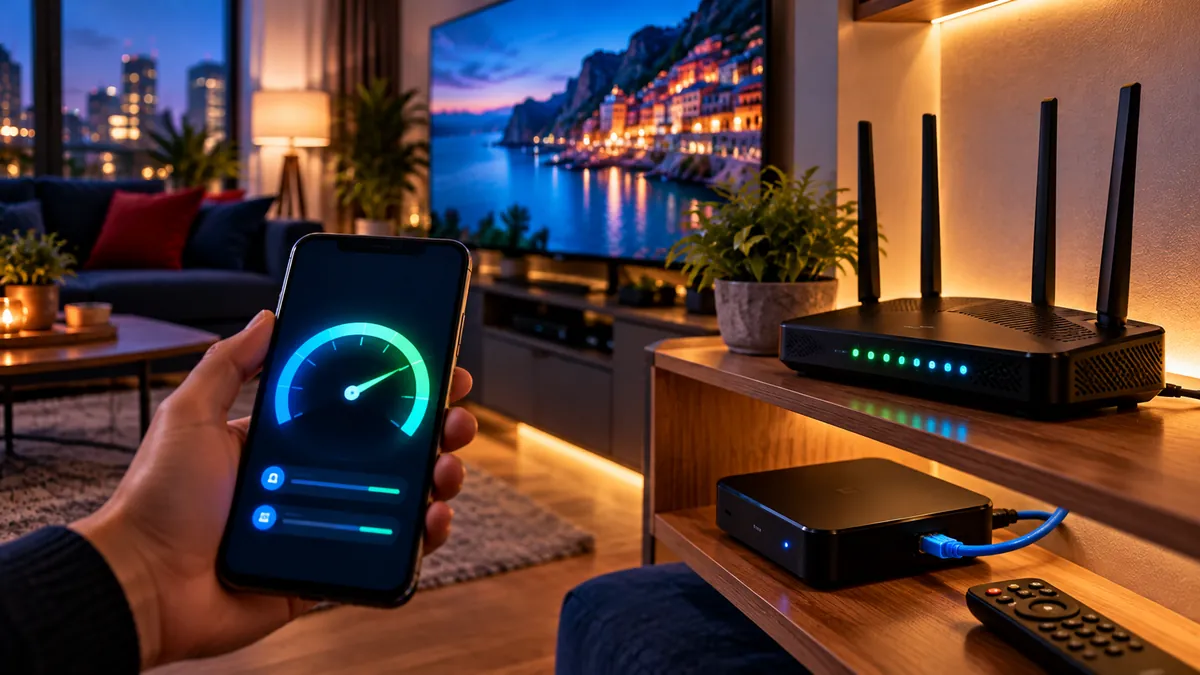
Test on the TV device, in the evening, several times, and trust the worst result. A phone held next to the router tells you almost nothing about the stick behind the television.
- Use the device you watch on: many Fire TV and Android TV devices can install a speed-test app, and some Smart TVs can open a test in their browser.
- Pick your normal viewing hour, such as 8pm on a weekday, when neighbours are online too.
- Stay in the TV's room; walls and floors are where the speed disappears.
- Repeat two or three times and write down the lowest figure.
- Compare that figure with the tables above. If it falls short, improve the link to the TV before paying for a bigger package.
If the router reads 200 Mbps and the TV reads 12 Mbps, the package is fine and the Wi-Fi is the problem. The next section and our IPTV buffering fixes deal with that gap.
Why does stability matter more than speed?
Because a stream needs a steady flow every second, not a high average. A 500 Mbps package on patchy Wi-Fi often buffers more than a 50 Mbps line with a cable to the TV.
Short drops in signal empty the player's buffer even when a speed test looks impressive. That is why we suggest a wired link to the TV device whenever the room allows it.
Other things that shake a connection: an old router, a VPN sending traffic through a far-away server, and crowded evenings in blocks of flats. City readers will find the flat-specific side in our IPTV London guide. For 4K viewers who want to squeeze the most from their screen, Apollo has a practical page of 4K viewing tips.
How much data does IPTV use?
Several gigabytes an hour in HD, and much more in 4K. On an unlimited home broadband package that does not matter.
It does matter on mobile data, capped packages and 4G or 5G home routers with an allowance. On those, watch the usage meter and pick HD rather than 4K for long sessions.
Upload speed plays almost no part in watching. A steady download is what counts, so there is no reason to pay extra for a faster upload just for TV.
Wi-Fi, powerline or Ethernet: which should you use?
Use a cable if you can, powerline if the router is in another room, and mesh Wi-Fi when neither works. Plain router Wi-Fi is fine only when the TV is close by.
| Connection | Stability | Best for |
|---|---|---|
| Ethernet cable | Excellent | TV or box in the same room as the router |
| Powerline adapters | Very good in most homes | Rooms away from the router, without drilling |
| Mesh Wi-Fi point | Good | Larger homes and thick walls |
| Router Wi-Fi only | Variable | Small homes, devices close to the router |
If you change one thing, make it the link to the TV device: it cures more stuttering than any broadband upgrade. Fire TV sticks need a separate Ethernet adapter, while some boxes have a network port built in; our IPTV box comparison shows which.
Is your broadband fast enough for IPTV?
Almost certainly, if you have fibre. The useful question is whether that speed survives the trip to the TV, and a single evening of testing answers it.
Take the lowest figure from your tests, match it to the household table, and you know whether you need a cable, a mesh point, or nothing at all. The free 24-hour trial is the right moment to do it, because you can watch the actual channels while you measure.
Frequently asked questions
What IPTV internet speed do I need for one TV?
Roughly 10 Mbps free for HD or 25 Mbps for 4K, measured on that TV's device during the evening.
Is 50 Mbps enough for IPTV?
Yes for most homes, even with one 4K stream and other use, as long as the link to the TV is stable.
Why does IPTV buffer on fast broadband?
The slow part is usually the last few metres, where Wi-Fi weakens between router and TV. Running a cable or powerline adapter to the TV device normally cures it.
How much data does IPTV use?
Several gigabytes an hour in HD and a lot more in 4K. Unlimited home broadband copes easily.
Can I use IPTV on 4G or 5G home broadband?
Yes, if the signal is strong and the data allowance is large enough. Watching in HD rather than 4K saves a lot of data.